
Introduction
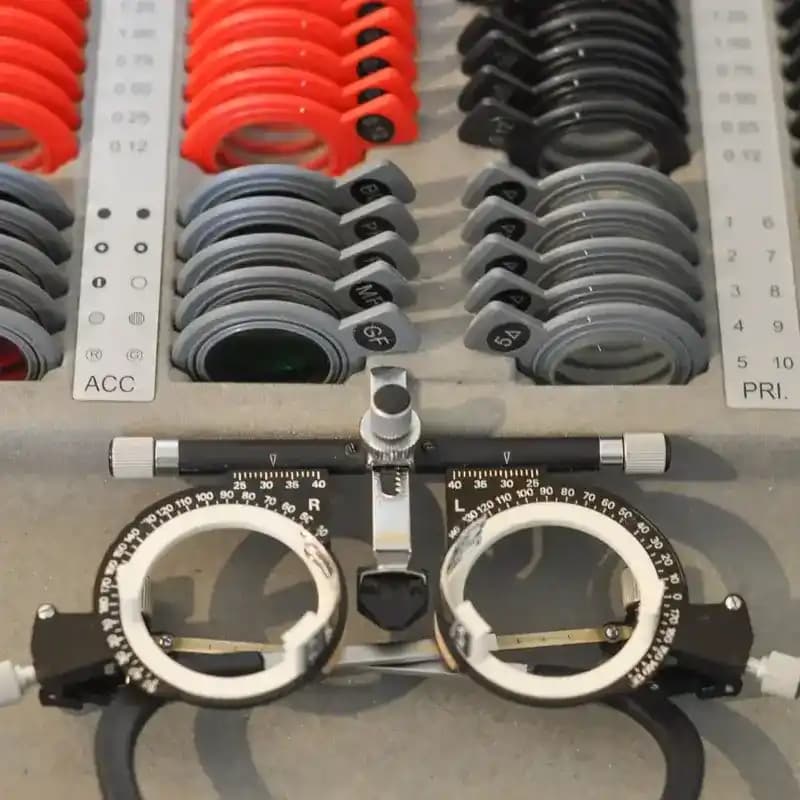
Low vision aids are life-changing tools and technologies designed to assist individuals with visual impairments in managing daily tasks. From magnifiers to advanced electronic devices, these aids address challenges associated with reduced visual acuity and enable individuals to regain independence and confidence. This blog explores the transformative role of low vision aids and how they can help people with visual impairments thrive.
Understanding Low Vision
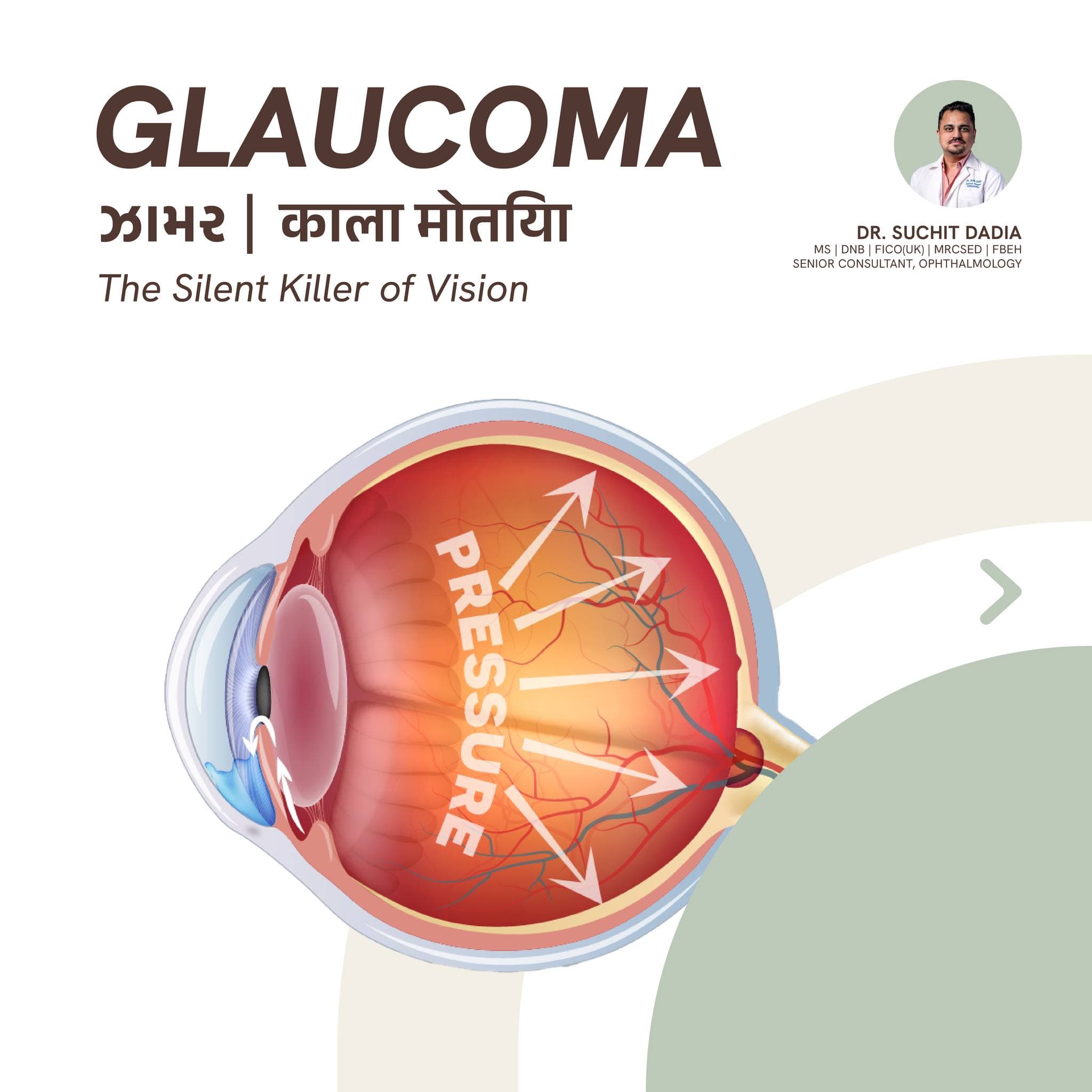
Low vision arises from conditions such as macular degeneration, glaucoma, cataracts, and diabetic retinopathy. These conditions result in challenges like reduced sharpness, contrast sensitivity, and field of vision, severely impacting daily life.
Causes of Low Vision:
From reading small text to navigating unfamiliar environments, low vision can create hurdles in daily tasks, leading to frustration and reduced independence. However, appropriate interventions can restore confidence and autonomy.
Impact on Daily Activities:
Types of Low Vision Aids
Simple yet effective, these tools magnify text or objects. Handheld and stand magnifiers are particularly useful for reading labels or small prints, offering portability and convenience.
Optical Magnifiers:
Devices such as video magnifiers and electronic glasses enhance text or images on displays with adjustable magnification and contrast levels. These tools are ideal for extended reading or detailed tasks.
Electronic Magnifiers:
Screen readers, speech-to-text converters, and tactile graphics displays empower individuals to access digital content and perform tech-based activities efficiently.
Assistive Technology:
Case Studies Highlighting the Impact of Low Vision Aids
A senior diagnosed with macular degeneration regained her independence by using a video magnifier for cooking and reading, boosting her self-esteem and daily productivity.
Case Study 1: Regaining Independence:
A 45-year-old professional with diabetic retinopathy utilized screen-reading software to continue his work in IT, demonstrating how assistive technology aids career sustainability.
Case Study 2: Career Continuation:
Benefits of Low Vision Aids
Low vision aids provide magnification and clarity for reading, writing, and other tasks, reducing strain and frustration.
Enhanced Visual Capabilities:
By restoring the ability to perform daily tasks, these aids promote confidence, reduce feelings of dependence, and improve emotional health.
Improved Mental Well-being:
Statistics on Low Vision Aids and Their Effectiveness
According to the WHO, approximately 2.2 billion people globally experience some form of visual impairment, with low vision aids addressing critical needs for many.
Prevalence of Low Vision:
A recent study found that 87% of individuals using electronic magnifiers reported a significant improvement in performing daily tasks and overall satisfaction with their visual aids.
User Satisfaction:
Choosing and Using Low Vision Aids
Consulting a low vision specialist ensures tailored recommendations for the most suitable devices based on individual needs.
Professional Guidance:
Training sessions can help users maximize their device's potential, improving task efficiency and reducing learning curves.
Training for Effective Use:
Conclusion
Low vision aids offer transformative solutions for individuals with visual impairments, improving their ability to perform daily tasks and enhancing their quality of life. By leveraging the latest technologies and expert guidance, individuals can regain confidence, independence, and hope. If you or a loved one is living with low vision, consider exploring the wide array of low vision aids available and taking steps toward a brighter, more accessible future.
Dedicated Elderly Support by Zocvi
Zocvi offers comprehensive elderly care services to ensure the dignity and safety of seniors. Our expert caregivers provide personalized support, from routine health checks to emotional well-being assistance. Contact our FREE 24 x 7 Healthcare Helpline at +91-92724-57637 for immediate support and assistance.








Comments (0)